Art
When will the madness stop!?!?!
Tuesday, March 4, 2003
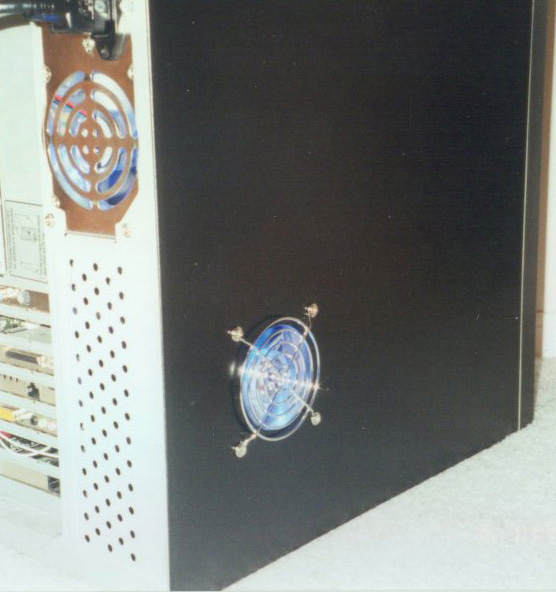
As if painting my case, mouse, and webcam wasnt enough, I had to go and carve a hole in the side of my case! I installed a window on the side of my case to show off the new motherboard/cpu/ram that I installed in the case. I upgraded from a Pentium II 400 Mhz w/384 MB Ram to an AMD Athlon XP 2100+ w/ 756 MB Ram. So I had to show it off! I also installed rounded IDE cables and a rounded SCSI cable. The window kit was originally just a plain plexyglass window, but I cut a hole for the fan using a hole drill bit. Check out the pictures below from modifying to the machine being powered on.
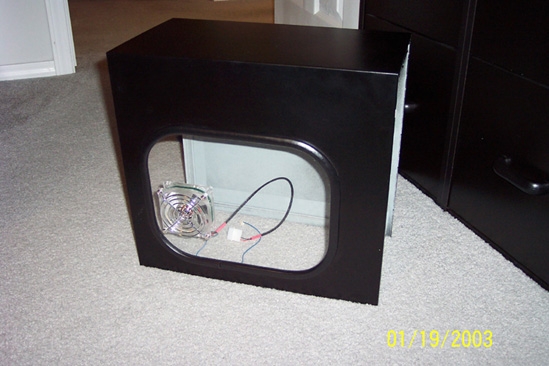
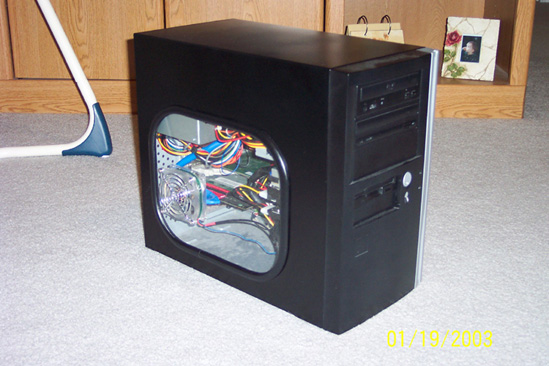
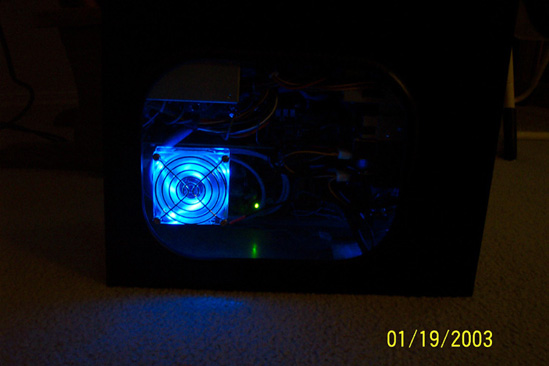
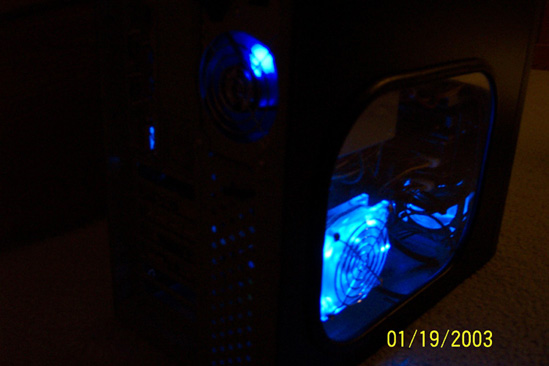
A picture is worth a thousand words... well, maybe not these...
Tuesday, November 19, 2002
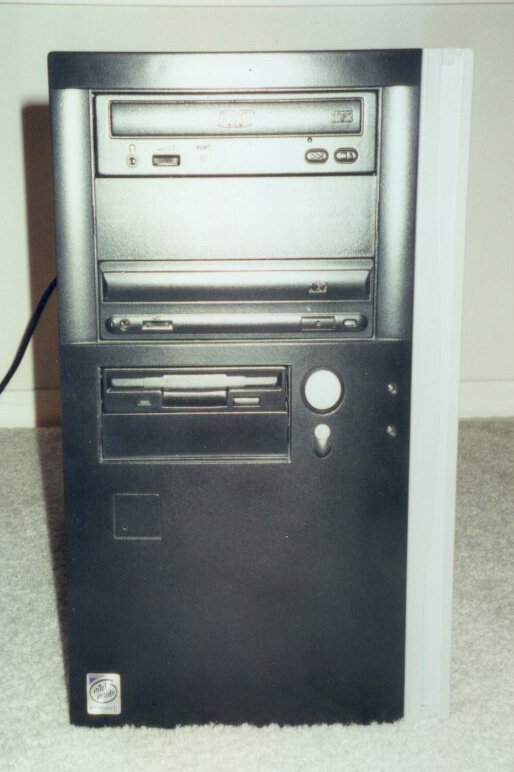
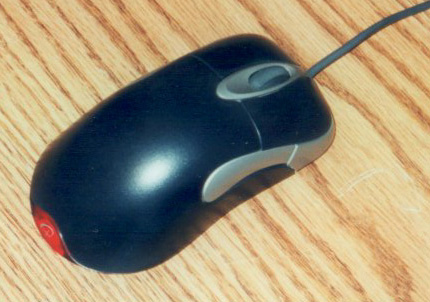
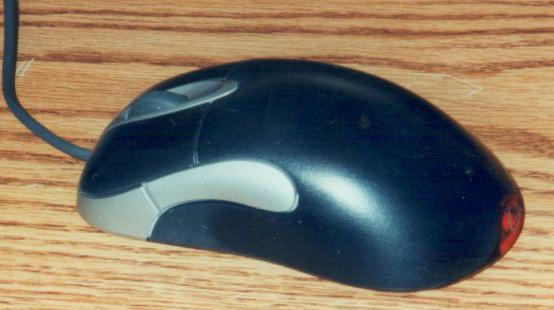
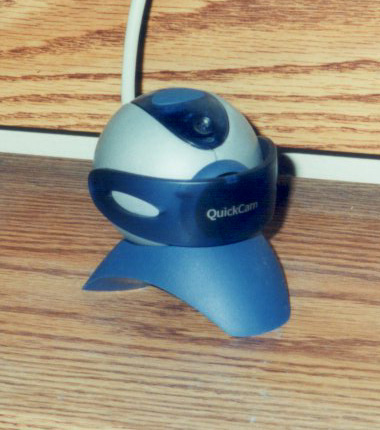
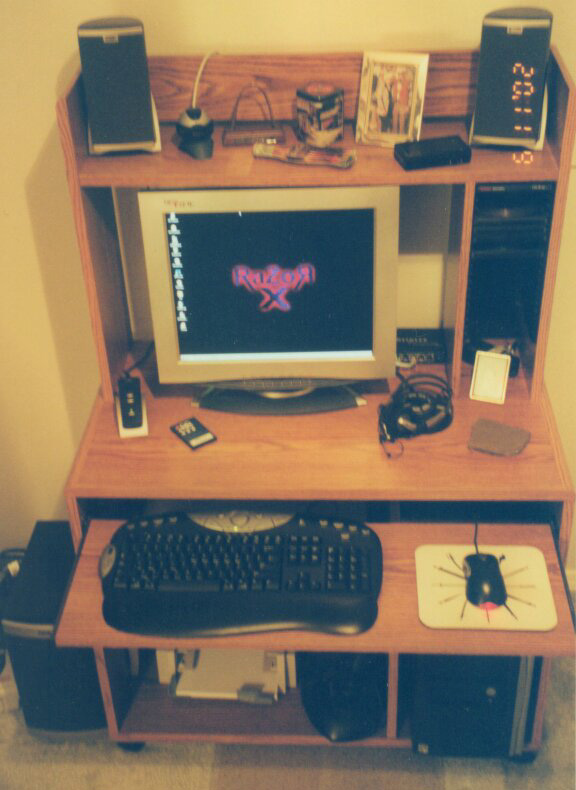
I have finally developed the pictures of my case and here they are. The first picture that you see is the front shot of my painted case (see posting below for a picture of what it looked like) and I painted it black with silver highlights. The next picture was meant to show off my modded case (had to cut a hole in the side for that fan) and the blue LED fans in the power supply and case, but the flash on my camera is my enemy here. However, if you look closely you can see the blue glow. I will be taking another shot of those soon to properly show those off. The next two shots are of a painted Microsoft Intellipoint Explorer mouse. I only had to paint the beige part of the mouse black because the side buttons and frame around the scroll button were already silver. The next shot is of my webcam which was a white color (it matched the still white cord attached to it) before I painted it silver. And finally, the last shot is of my complete computer setup. My flat panel monitor is silver with some blue trimmings so this is why I painted the webcam to match up well with it and the blue Netgear switch. So overall, there is a lot of silver matching each other now and it looks pretty good. At least, in my opinion. You can almost see it in the last picture, but the printer and the scanner are still the old beige color. My printer is going on to about 6 years of age and its printing horribly to match, so I will probably be replacing it soon anyway and will probably get something to match the overall look that I am going for.
An update a year...
Thursday, November 7, 2002
This is my official once a year update to this section... so see you next year... Seriously though, it has been more than a year since my last update/launch of this site and I feel guilty... but hey, I have a life so I dont feel that guilty. Last month I decided to paint my computer case and modify it a bit. Pictured below is a standard beige Enlight 7105 mid tower case that I have.
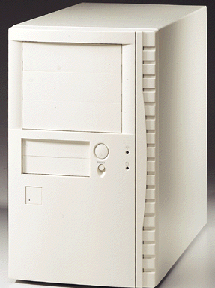
So now you have seen what it looked like before and now you'll have to wait to see what it looks like later because I havent developed the pictures that I took of it yet. I also ended up painting my mouse and my webcam to match my overall setup. I will post these pictures as soon as I have them.
Decisions, Decisions...
Wednesday, July 11, 2001
This portion of my site will contain.... you guessed it.... artwork. My artwork to be exact. In the near future I hope to scan a few select drawings that I have sketched and show them here.


